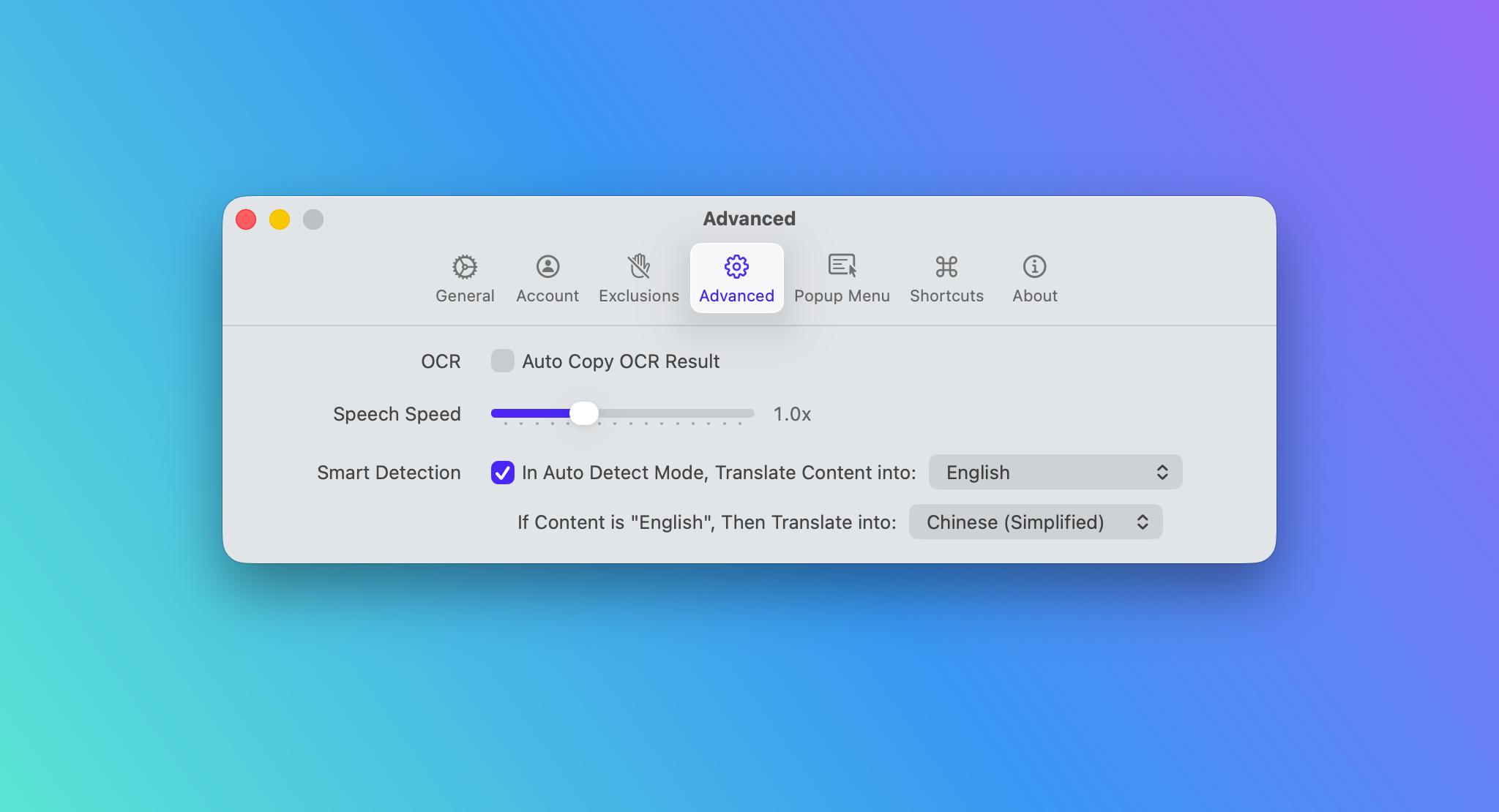
PopTranslate 1.8 adds new shortcuts for text resizing, copy and replace, and instant switching, along with adjustable Speech Speed. It also includes several usability improvements and bug fixes for a smoother experience.
What’s New in PopTranslate 1.8
Adjust Translation Text Size with Shortcuts
In PopTranslate 1.8, you can now use dedicated shortcuts to enlarge, reduce, or reset the font size of translated text.
These shortcuts follow familiar macOS conventions, using Command + to increase text size, Command - to decrease it, and Command 0 to reset it to the default size. This makes the feature easy to remember and feel instantly familiar to Mac users.
Whether you are reading longer translations, working on different screen sizes, or simply prefer a larger or smaller font, the new shortcuts make text adjustment much more convenient.
New Copy and Replace Shortcut
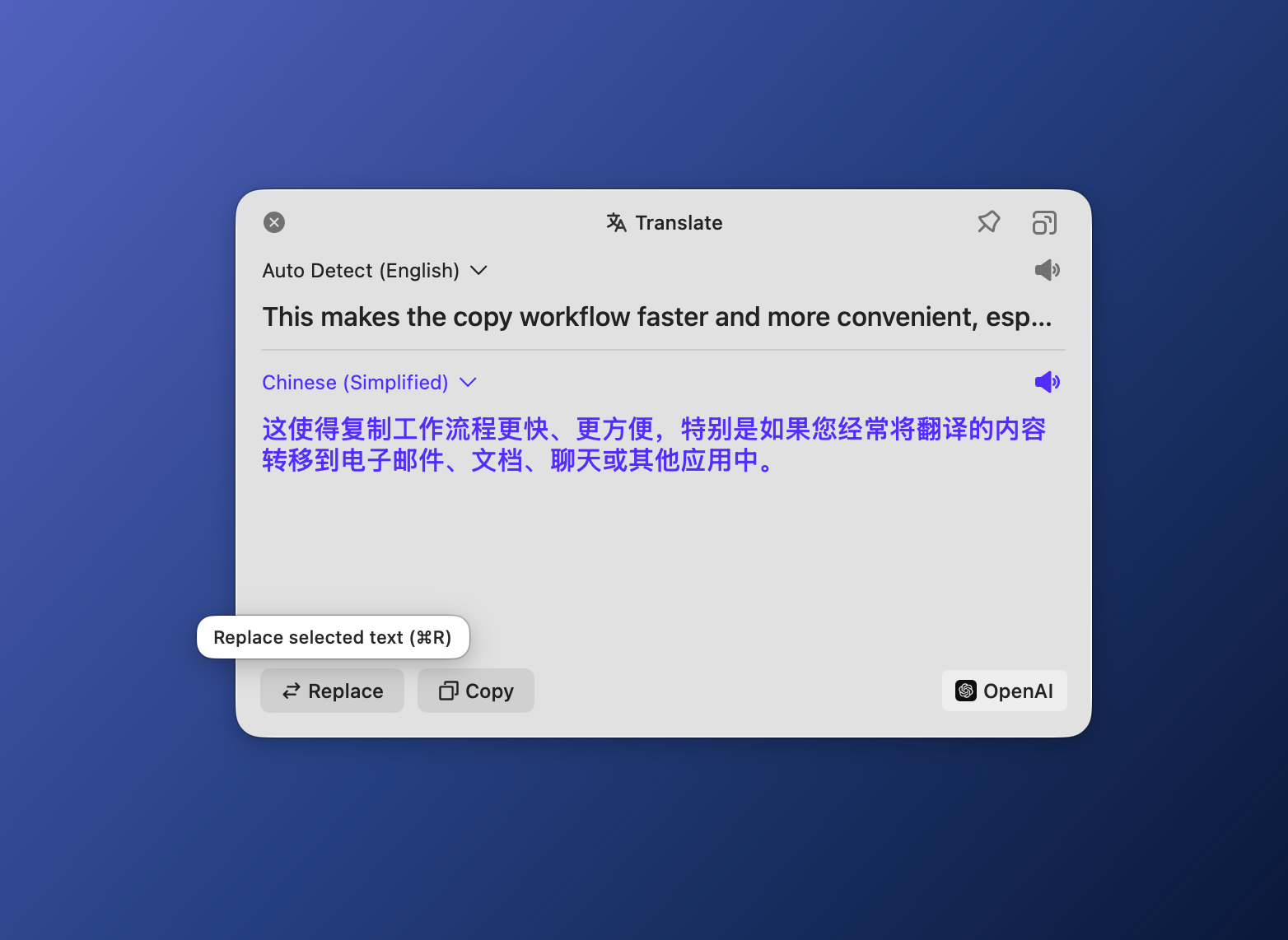
PopTranslate 1.8 adds two new shortcuts for working with translated text: Command + C to copy the translation, and Command + R to replace the original text with the translated result.
These shortcuts make common translation actions faster and more convenient, especially when you want to quickly copy a result or apply it directly in place.
Adjustable Speech Speed
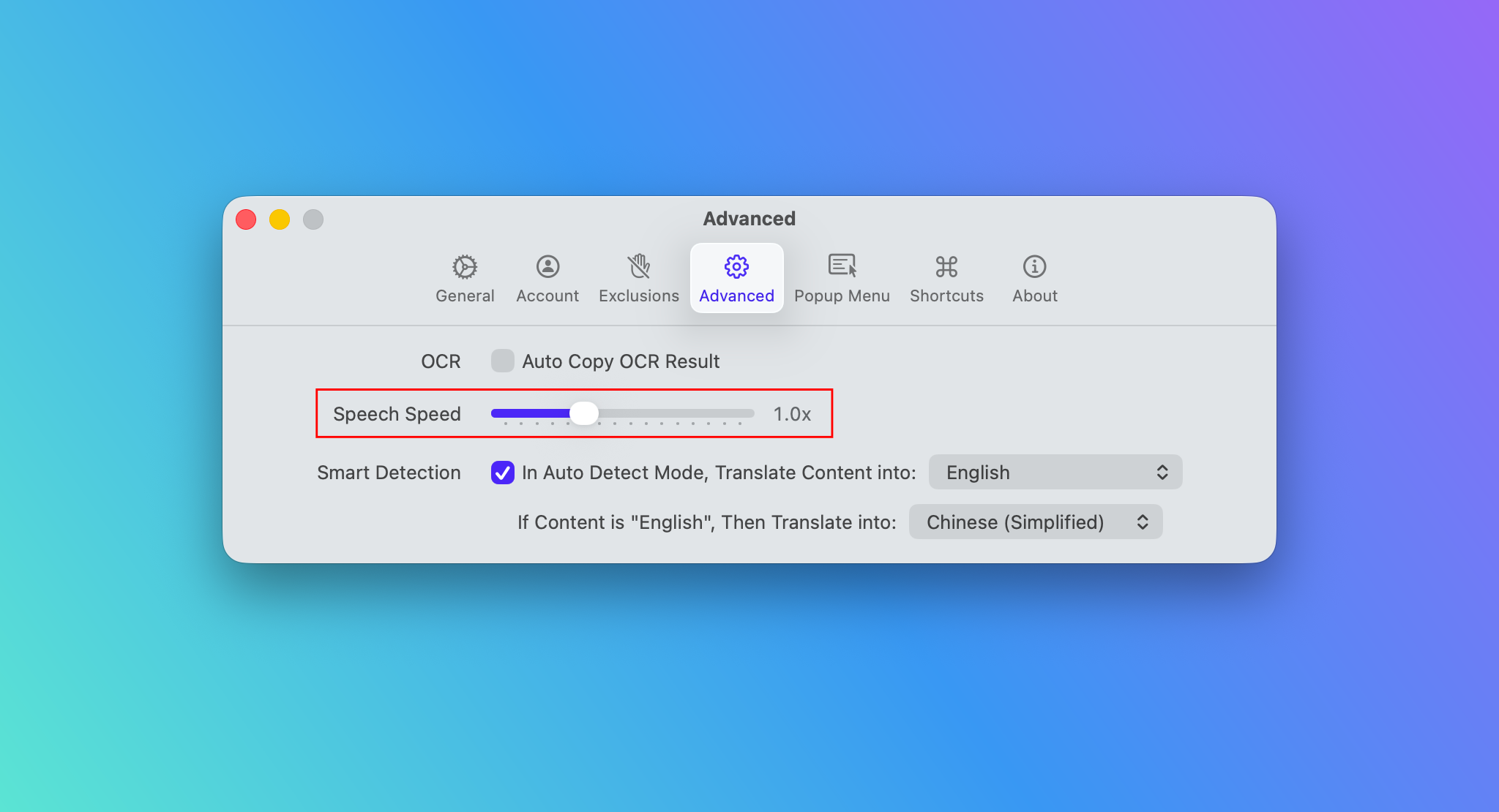
PopTranslate 1.8 adds support for adjusting Speech Speed in Advanced settings.
You can now choose the Speech Speed that works best for you, making playback more flexible for different listening habits and language learning needs. Whether you prefer a slower speed for clearer pronunciation or a faster speed for quick review, this new setting gives you more control over the listening experience.
Fixes and Improvements
In addition to new features, PopTranslate 1.8 includes several fixes to make the experience more polished:
• Added a menu bar position warning when the PopTranslate icon may be hidden by the MacBook notch.
• Fixed an issue where the copy success message was not localized.
• Fixed unclear copy success feedback in dark mode.
• Fixed an issue where instant switching could occasionally fail and incorrectly paste the original clipboard content.
These changes make PopTranslate more stable, clearer, and smoother to use in daily translation tasks.
Download it on the App Store or from our website and give it a try! We hope you enjoy this PopTranslate 1.8 with this feature.