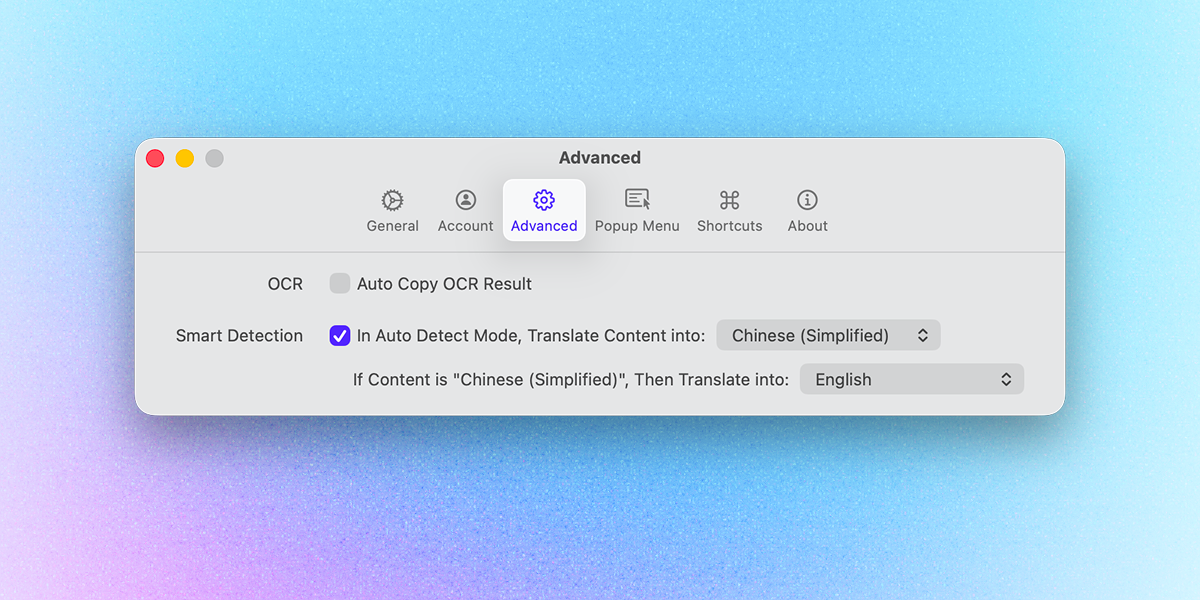
Most translators can detect the language. The annoying part is the direction: sometimes you want English → Chinese, sometimes Chinese → English. Switching settings again and again is slow. Now Smart Detection solves this.
Why Smart Detection
For many users, translation is a two-way process. You might be reading Chinese content while simultaneously drafting replies in English.
The traditional Auto Detect only identifies the source language. It doesn't know your intent. This means you often have to manually switch the target language back and forth. In version 1.6, we wanted to eliminate this manual step by making the detection logic smarter.
How it works
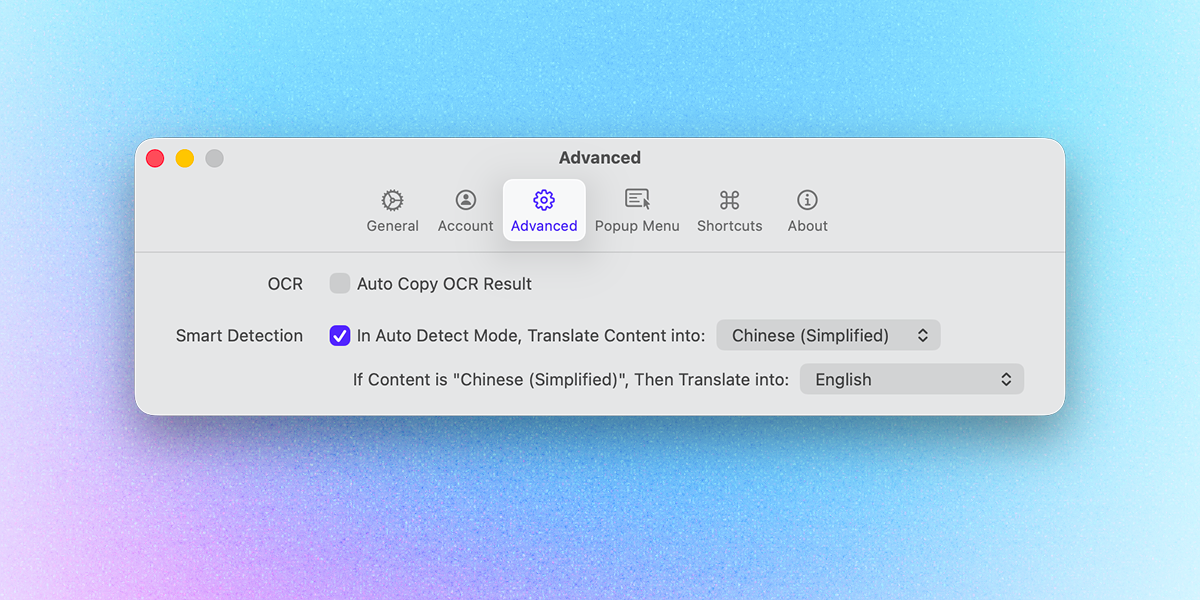
You can find the new configuration under Preferences > Advanced. It allows you to define a default target language and an automated exception.
As shown in the image above, you can set a simple conditional rule:
-
Default: In Auto Detect Mode, translate content into your primary language (e.g., Chinese Simplified).
-
The Switch: If the source content is already in that primary language, PopTranslate will automatically translate it into your secondary language (e.g., English).
Automated Direction Switching
This feature creates a seamless loop for your workflow. Whether you are browsing foreign web pages or checking your own translations, the app now adapts to the context instantly.
In this example, the user transitions between three languages by setting English as the primary target and Chinese as the secondary:
- When Chinese or Japanese text is selected, the system provides an English translation
- When English text is selected, it automatically outputs Chinese
By automating the target language, PopTranslate removes the need to switch settings, allowing you to stay focused on the core task of reading and understanding the content.
Download it on the App Store or from our website and give it a try! We hope you enjoy this PopTranslate 1.6 with this feature.